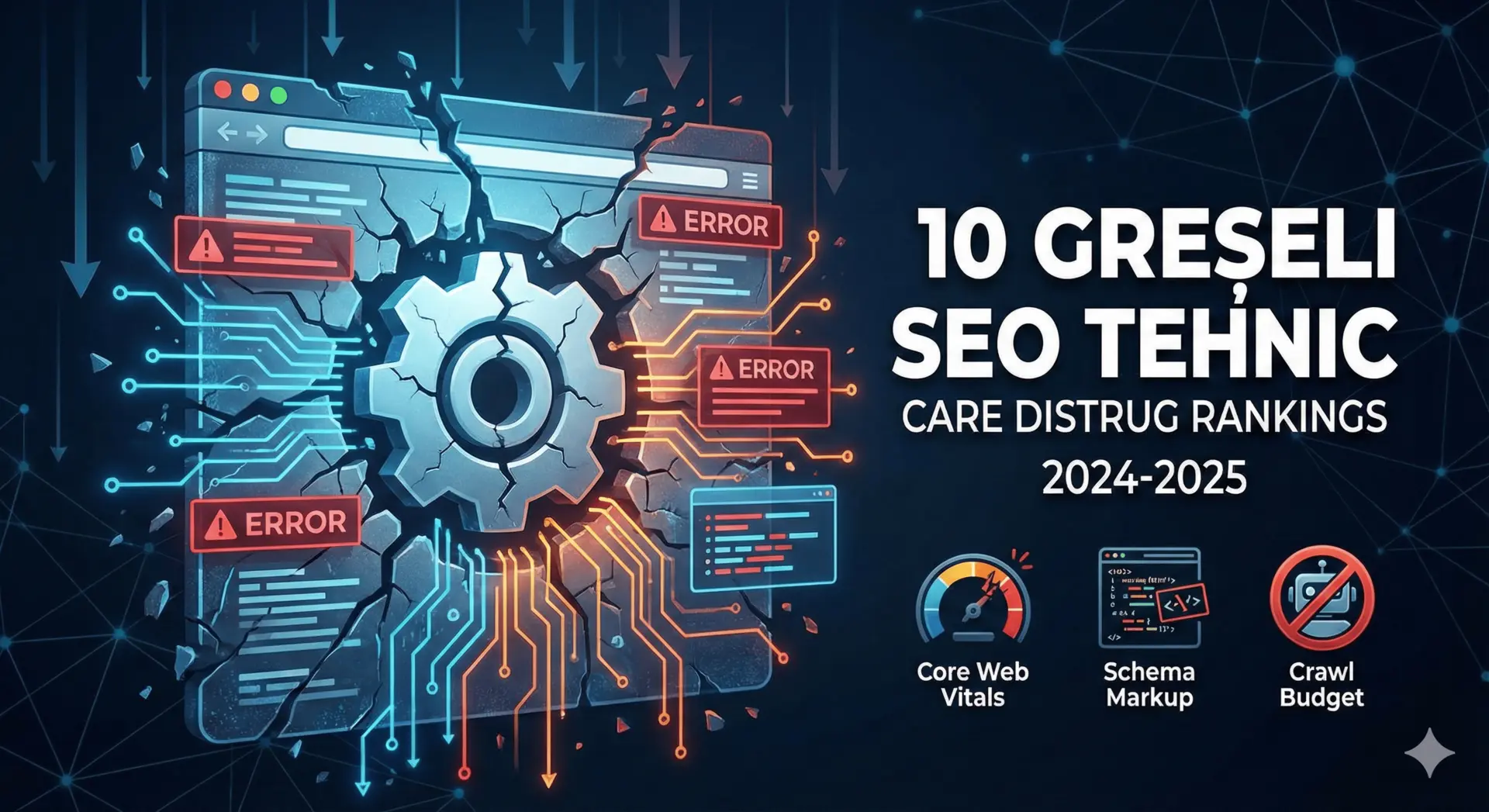
In 2026, Google has turned technical performance into a mandatory qualification layer. Websites that fail Core Web Vitals, indexation hygiene, and structured data quality are not competitive for serious rankings.
Below are the 10 most frequent issues we see in CreativDigital audits and the solutions we apply in production.
1. Core Web Vitals ignored
A large share of audited websites fail LCP, INP/FID, and CLS thresholds.
- LCP < 2.5s: optimize hero images, compress media, apply intelligent lazy loading.
- INP/FID < 200ms: split JS bundles, reduce third-party scripts, adopt server components where relevant.
- CLS < 0.1: reserve space for dynamic elements and remove layout-shifting banners.
2. Crawl budget and indexation waste
Large websites often consume Googlebot budget on low-value pages.
- Run log file analysis to see where crawl budget is spent.
- Clean sitemaps to include only canonical, active URLs.
- Use robots.txt and noindex for filters, URL parameters, and internal result pages.
3. Redirect chains and 404 errors
Redirect chains degrade ranking signals and user experience.
- Keep redirects to maximum one hop.
- Maintain controlled redirect mapping during migrations.
- Monitor 404 patterns in Search Console and server logs.
4. Superficial schema markup
Many websites either do not implement schema or do it partially.
- Implement modular schema: Article, Product, FAQ, Breadcrumb, LocalBusiness, Service.
- Validate with Rich Results Test and monitor Search Console errors.
- Update schema after content or design changes.
5. Mobile-first indexing neglected
Desktop/mobile content mismatch causes crawl and relevance issues.
- Ensure content parity across desktop and mobile.
- Optimize mobile navigation (touch targets, menu structure).
- Remove intrusive interstitials and blocking scripts.
6. Disorganized architecture and internal linking
Without clear hierarchy, authority does not distribute effectively.
- Build topic silos (category → subcategory → article).
- Use breadcrumbs and secondary navigation.
- Map internal linking using tools such as Screaming Frog + BigQuery.
7. Security and HTTPS issues
Expired certificates, mixed content, and missing security headers become trust and performance liabilities.
- Monitor SSL expiration with automated alerting.
- Implement HSTS, X-Content-Type-Options, CSP.
- Eliminate HTTP resources to remove mixed content warnings.
8. Migration without execution plan
Domain/CMS/hosting migrations without detailed mapping cause major traffic loss.
- Build complete redirect map with fallback paths.
- Run pre- and post-migration full crawl testing.
- Monitor Search Console daily in first 30 days.
9. Lack of technical observability
Many teams do not track JS execution load, request volume, or third-party performance drag.
- Implement RUM (Real User Monitoring) with performance dashboards.
- Run Lighthouse/PageSpeed checks on each release.
- Collect Core Web Vitals from real-user telemetry.
10. No cross-team ownership
Technical SEO is often "owned by no one," which blocks implementation speed.
- Define clear RACI across SEO, DevOps, Product, Marketing.
- Add Technical SEO QA into release pipeline.
- Allocate dedicated remediation sprints for critical issues.
Case study - fashion e-commerce
Initial issues: 8s LCP, 12 redirect chains, 1,200 duplicate-content pages. After 10 weeks:
- LCP reduced to 2.1s, CLS to 0.07.
- Index coverage cleaned (duplicates and soft 404 removed).
- +64% organic traffic and +38% organic-attributed revenue.
Remediation checklist
| Problem | Tool | Recommended SLA |
|---|---|---|
| Core Web Vitals | Lighthouse, WebPageTest, RUM | 30 days |
| Schema Markup | Rich Results Test, Screaming Frog | 14 days |
| Redirect chains | Full crawl + log analysis | 7 days |
| Index Coverage | Search Console + BigQuery | 30 days |
FAQ
How long does a full technical remediation take? For medium websites, 6-8 weeks. For large marketplaces, 3-6 months.
What priority order works best? 1) indexation, 2) Core Web Vitals, 3) schema + internal linking, 4) migration safeguards and log monitoring.
Why involve DevOps? Server and performance optimization is significantly more effective with DevOps engineering support.
Need a Technical SEO task force? CreativDigital provides audits, prioritization, and hands-on execution support through our technical SEO service — start with a free SEO audit to see where your site stands.